


Further your mission–but first, take care of your people
This is and will continue to be an extremely difficult time for nonprofits. It’s time to go back to basics: engage your communities. People need connection more than ever. Focus on your employees, beneficiaries, and volunteers first, and keep any donations and fundraising messaging simple, actionable, and graceful.
If you do campaigns and events, tie your mission to COVID-19. This kind of isolating worldwide crisis is exactly when people want to feel connected to their community and to give to causes that they know are doing good. Make sure that you are connecting your fundraising communication to COVID-19 and its effects on your mission or your beneficiaries– your standard messaging may not be received well at this time.
Here are some ways that your nonprofit can leverage GiveSignup/RunSignup’s free, open platform to help further your mission even in the COVID-19 crisis:
Donation Websites (501c3 only)
How to Create a Donation Website
Go to givesignup.org and click Get Started, then Create a Donation Website. There is an extremely simple three-step wizard that allows a lot of flexibility around what the website is for. For example, you can create a simple donation website for your nonprofit (e.g., “Moorestown Animal Shelter”), or for a specific campaign that you are doing (e.g., “Moorestown Animal Shelter COVID-19 Response”).
How to Customize Your Donation Website:
At the end of the wizard, you will be prompted to set up donations. Once you have added the initial Donation Message and start date, you will be able to customize donation settings. You can allow recurring donations (monthly, quarterly, or yearly).
To design your website’s appearance, go to Donation Website>>Web Page>> Page Theme and add your nonprofit’s colors, and logo. Then you can use Cover Pages (Donation Website >> Web Page >> Cover Page) to design a beautiful landing page for your site. Cover Pages are easy-to-use point-and-click templates that allow you to easily add custom content and images in seconds.

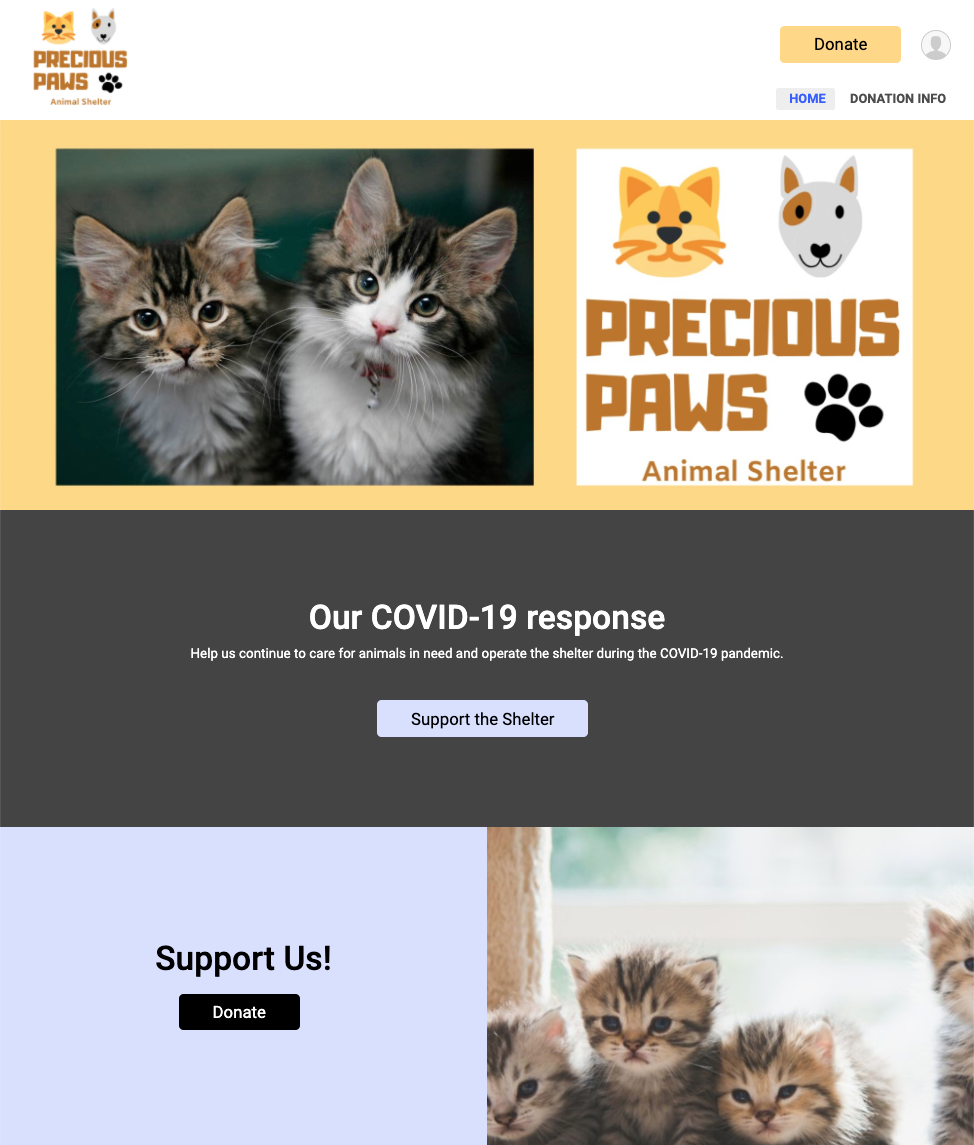
Donation Forms (501c3 only)
Donation Forms live on your donation website. Nonprofits can create an unlimited number of Donation Forms on their donation websites for specific campaigns. Donation Forms automatically apply your nonprofit’s branding and custom domain or subdomain, giving your nonprofit a 100% white-label solution to collect donations.
Donation Forms are both powerful and easy to create so that your nonprofit can raise more and save time:
- Create a Donation Form specifically for your COVID-19 campaign, with custom giving options (i.e. one-time and monthly only; annual only), a custom title and description, custom attribution settings, and custom description.
- Use Donation Forms for email and social media campaigns. The clean and simple layout keeps your supporters focused on making a donation without the distraction of menu items, additional call to action buttons, and too many images.

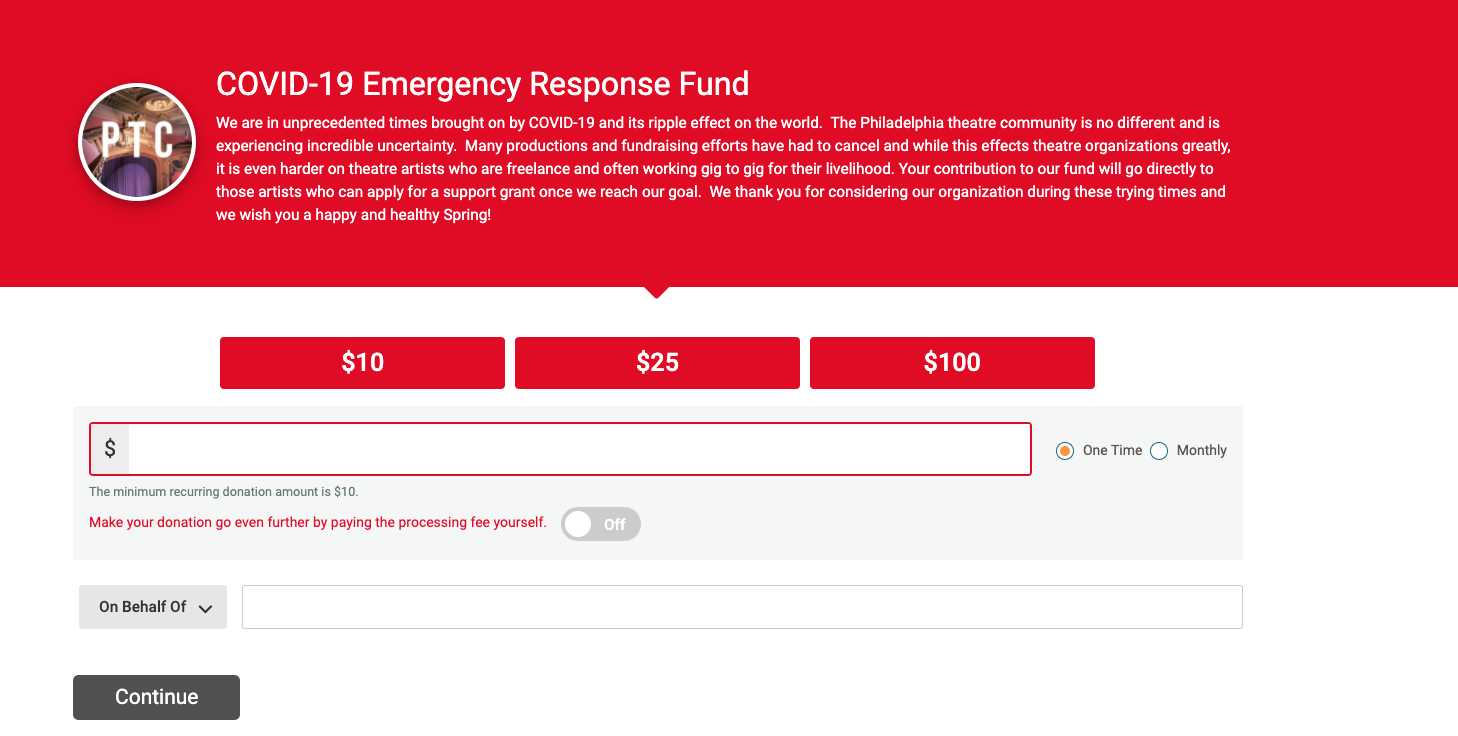
Create a Donation Form
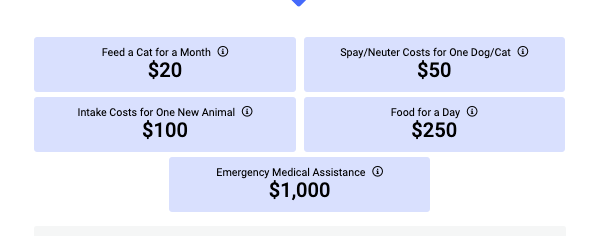
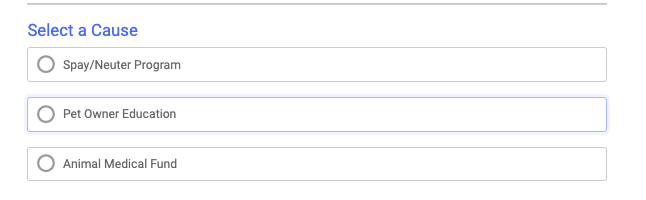
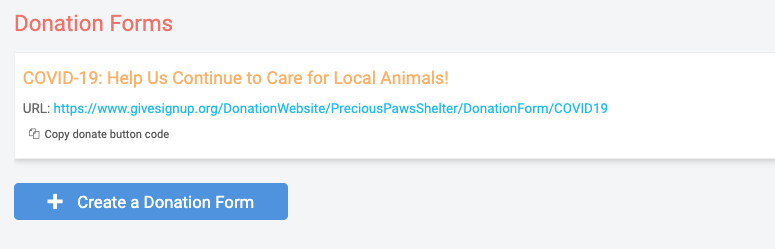
In your Donation Website Dashboard>>Donation Forms, you can create an unlimited number of forms. You can create one with custom messaging around COVID-19. You are able to create donation levels and use designations, each with a custom description.
Your donation form will pull the custom colors you selected for your donation website to make its appearance match the rest of your nonprofit’s branding. You can also add a subdomain and/or custom URL (e.g., donate.mynonprofit.org/COVID19) to each donation form for a fully whitelabeled donation experience for your supporters. Even if you don’t use a domain on your donation website, you can customize the URL so that it’s a clean, easy-to-share URL for your messaging (no random strings of letters and numbers!).


Email and Share with Supporters
In your donation form settings, you can find a “Copy donate button code” link that will allow you to add an HTML Donate button to your email campaign or existing nonprofit website that will take supporters directly to the donation form. You can also copy the URL for your donation form and include that in your messaging, social media posts, and/or on your website. You can also add a custom URL to which donors will be redirected on the donation confirmation screen.

RunSignup for Donations and Fundraising (Everyone)
You can repurpose a RunSignup race website for donations and fundraising only (no registration). This has a few benefits:
- A full website with menu items
- Available to all types of organizations– you don’t have to be a 501c3. However, you cannot issue tax deductible receipts if you are not a 501c3. (You can still customize the donation confirmation email with a Thank You message).
- Fundraising features (individual fundraising, team fundraisers, fundraiser pages, Facebook fundraising integration). These aren’t yet available on donation websites, so if you want to do fundraising, you’ll need to use RunSignup.
- You can still use givesignup.org/ instead of runsignup.com/
- Race >> Race Page >> Page URL


Some basic steps:
Create a race: runsignup.com/Race/New
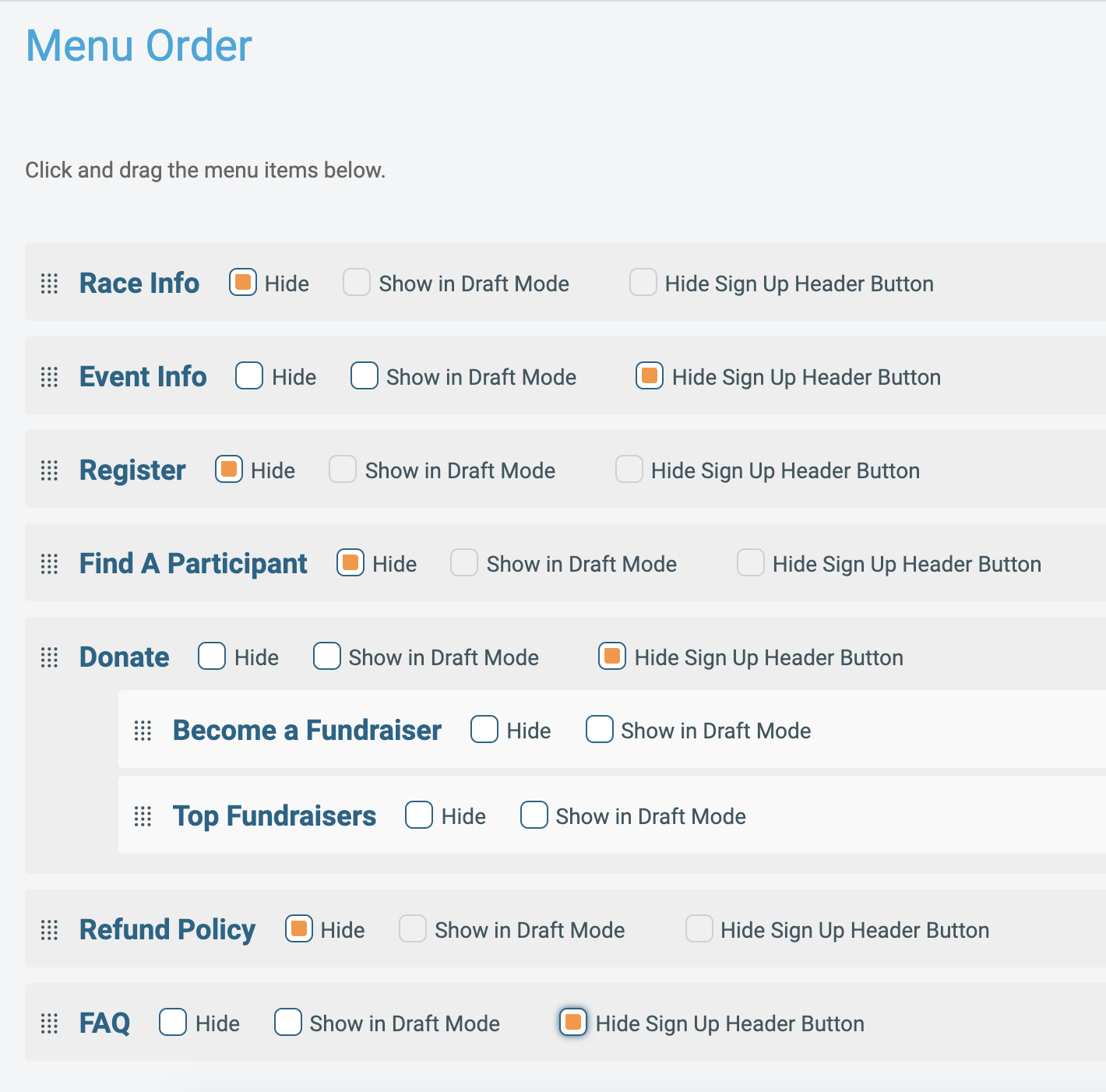
Create a RunSignup “race,” but close registration and hide the Sign Up button and select menu items (Race >> Race Page >> Menu Order >> Hide Sign Up Button ) :

Design your website and add content as you need (you can add as many menu items and custom content sections as you like–check out our webinar on Building a Better Race Website.)
Fundraising Setup
Turn on donations first (Race Dashboard >> Donations) and customize your settings. If you want to enable fundraising as well, there is a separate menu tab with those settings (Race Dashboard >> Fundraising).
This webinar and the accompanying notes detail best practices and different setups for fundraising on RunSignup: Donations and Fundraising Webinar and Blog
Virtual Fundraising Events
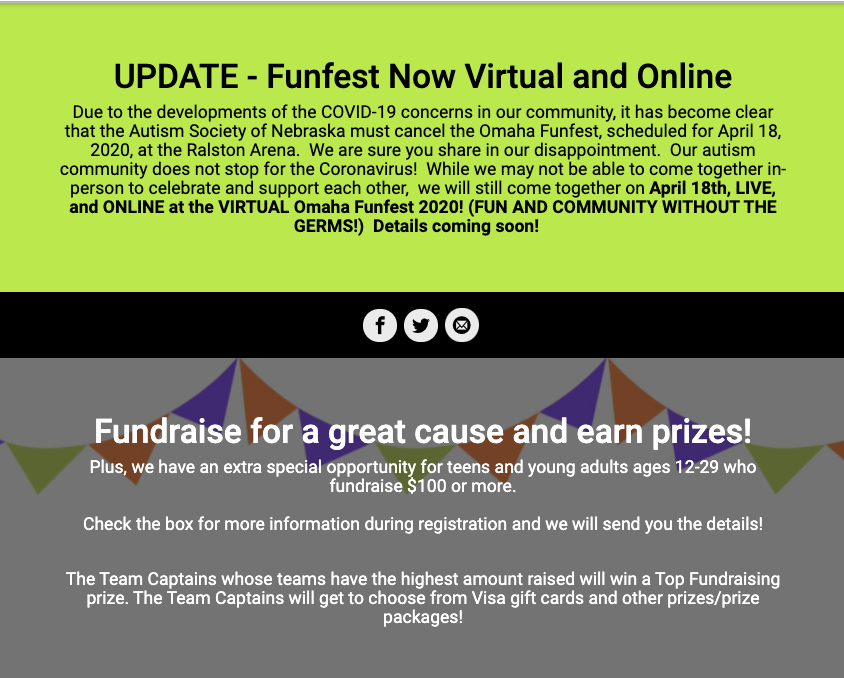
Here’s an example of a non-endurance virtual fundraising event that is using a RunSignup race website: https://www.givesignup.org/funfest2020
They are using their race website’s cover page to communicate with supporters and fundraisers:

Tell us your story!
We want to hear about how your nonprofit is reaching supporters and beneficiaries in this crisis. Do you have a success story involving donation/fundraising campaigns or supporter engagement during COVID-19, especially on RunSignup/GiveSignup? Or do you need help getting started? Reach out to us: allison@runsignup.com or info@givesignup.org.